If you've ever tried to manually translate a book using AI, you know the pain: copy-paste chapters into ChatGPT, lose all your formatting, spend hours fixing broken layouts, and still end up with inconsistent character names throughout. There has to be a better way!
We tested six AI book translation services on real books to find out which ones actually deliver usable results for professional authors and publishers. Some are free, some cost hundreds of euros, and the differences between them go far beyond price.
Here's what we found.
TL;DR:
All require or advise to have some proofreading before publication - depending on the service the proofreading can be very light and assisted by the service (translateabook.com has a proofreading tool), or require significant layout and content correction.
| Feature | Translate a Book (translateabook.com) | BookTranslator.ai | ChatGPT | Google Translate | DeepL | Taia |
|---|---|---|---|---|---|---|
| Accuracy | High to Very High (multi-pass pipeline) | High | Medium to High (no full-book context) | Medium | Medium to High (European) | Low to Medium (AI) / Very high (human review) |
| Format support | 30+ formats | EPUB only | Common formats | 4 formats | Limited documents (no EPUB) | 64+ formats (no EPUB) |
| Layout preserved | Yes (for non-PDF) | Yes (EPUB only) | No | No | Partial | Yes |
| Languages | 90+ | 99+ | 100+ | 130+ | 31 | 189 |
| Pricing | Tiered: 3€ to 150€/book | $6.99 to $9.99/100k words | $20/mo (Plus, required) | Free | $25/mo + usage | From 9€/mo (AI) or 0.06€/word (human) + usage |
| Payment model | One time fee (Pay what you use) | One time fee (Pay what you use) | Subscription | Free | Mandatory subscription + usage | Mandatory subscription + usage |
| Translation guide | Yes (automated & editable) | No | No | No | Yes (manual process) | Yes (manual + maybe automated) |
| Proofreading tools | Yes (AI, included) | No | No | No | No | Human review (paid) |
| Usage complexity | Very easy | Very easy | Very time-consuming | Very time-consuming | Easy (+ some manual steps) | Easy to Moderate |
| Free preview | Yes (extensive, unlimited) | No | Yes (No for paid plan) | Yes (Free tool) | Limited (one short file per month) | Limited (not all formats/languages, 500 words/day) |
| Trains on your content | No | No | Yes in free plan, no in paid | Yes | No | No |
| Account required | No | No | Yes | No | Yes | Yes |
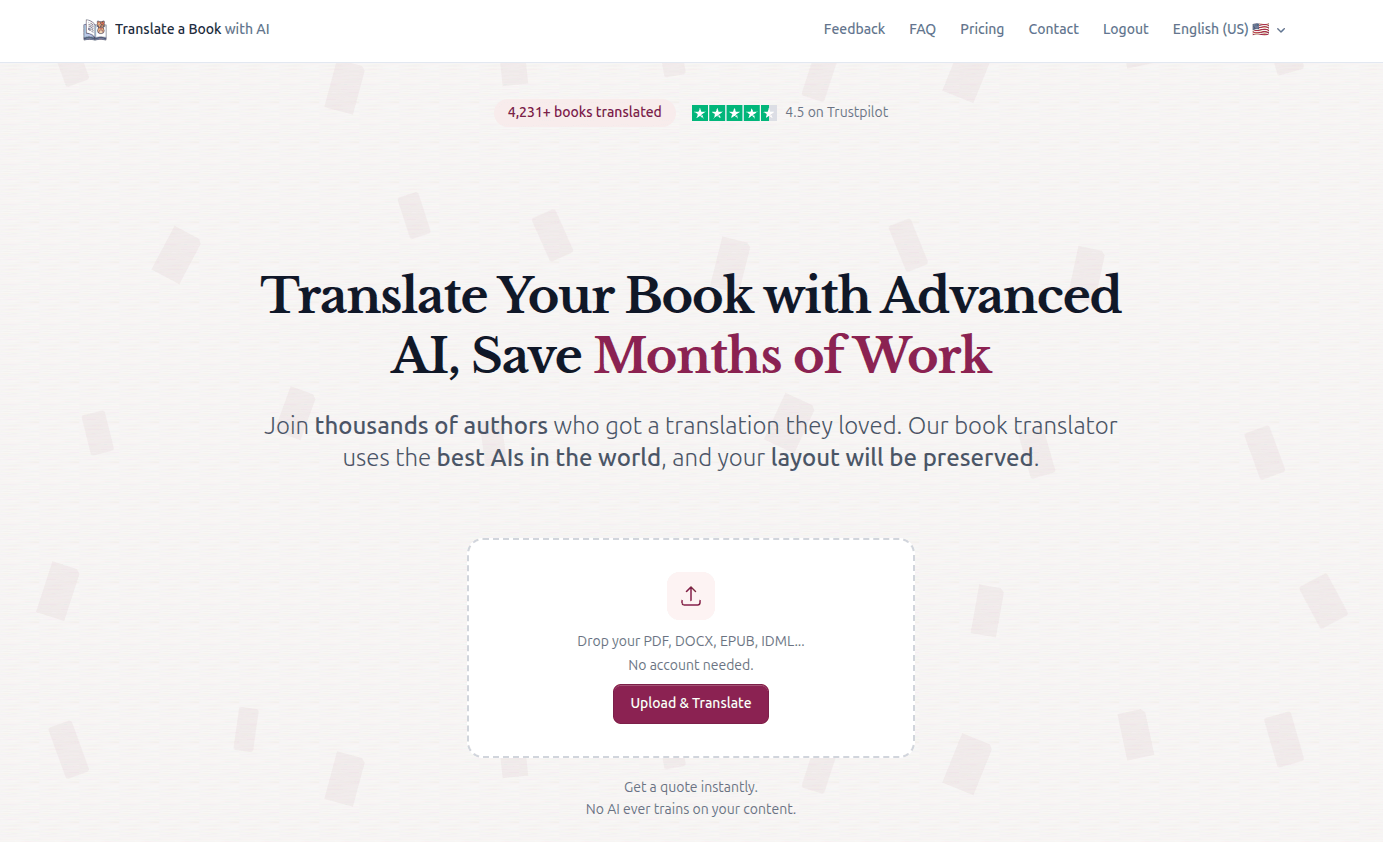
Translate a Book is a purpose-built AI book translation platform designed specifically for authors, publishers, and anyone who needs a book translated. Unlike general-purpose translation tools, it treats a book as a book, not as a collection of text segments.
The platform stands out for being both the most well-rounded and one of the simplest to use. Three translation modes are tailored to different use cases, so whether you're a casual reader, a professional translator, or an author preparing a book for a new market, you can pick the mode that fits and the AI handles the rest.
Very simple, no account needed. Upload your file, pick your source and target language, choose a translation mode. You can add some options (like custom instructions or reference text) or let the AI use good defaults, then click translate. You'll get your translation in minutes to hours depending on the chosen mode in the same format you uploaded it in, layout intact.
The platform offers three modes:
In Author Mode the service will build a thorough translation guide first with key terms and character backgrounds, style guide, typography rules, etc. You can choose to get notified and edit it before the translation runs, or just let it run directly. The whole process is designed so you don't need to configure anything if you don't want to, but you can customize every aspect if you do.
For book translations, this is one place where Translate a Book (translateabook.com) shines compared to every competitor on this list. It supports over 30 file formats used for books including EPUB, DOCX, PDF (including scanned PDFs via OCR), and professional publishing formats like IDML (InDesign). The translated file preserves your original layout, styles, and structure for non-PDF formats.
For PDFs, the platform extracts semantic information intelligently and can handle scanned documents.
Over 90 languages are supported, covering everything from major world languages to less common ones. The platform is particularly popular for translations into English (US and UK), Polish, French, German, Russian, Hebrew, Spanish, Lithuanian, Arabic, Italian, and more.
Every translation runs through a multi-pass improvement pipeline that's optimized specifically for book translation and intelligent context management.
A real differentiator is what happens before and after translation:
Pay-per-use with no subscription. The exact price depends on your book's length, structure, and language. You can upload a file to get an instant quote, and you get a free preview of the translation before paying.
For a typical novel, Standard mode often ranges from 3 to 15€, Pro mode from 5 to 30€, and Author mode from 50 to 150€.
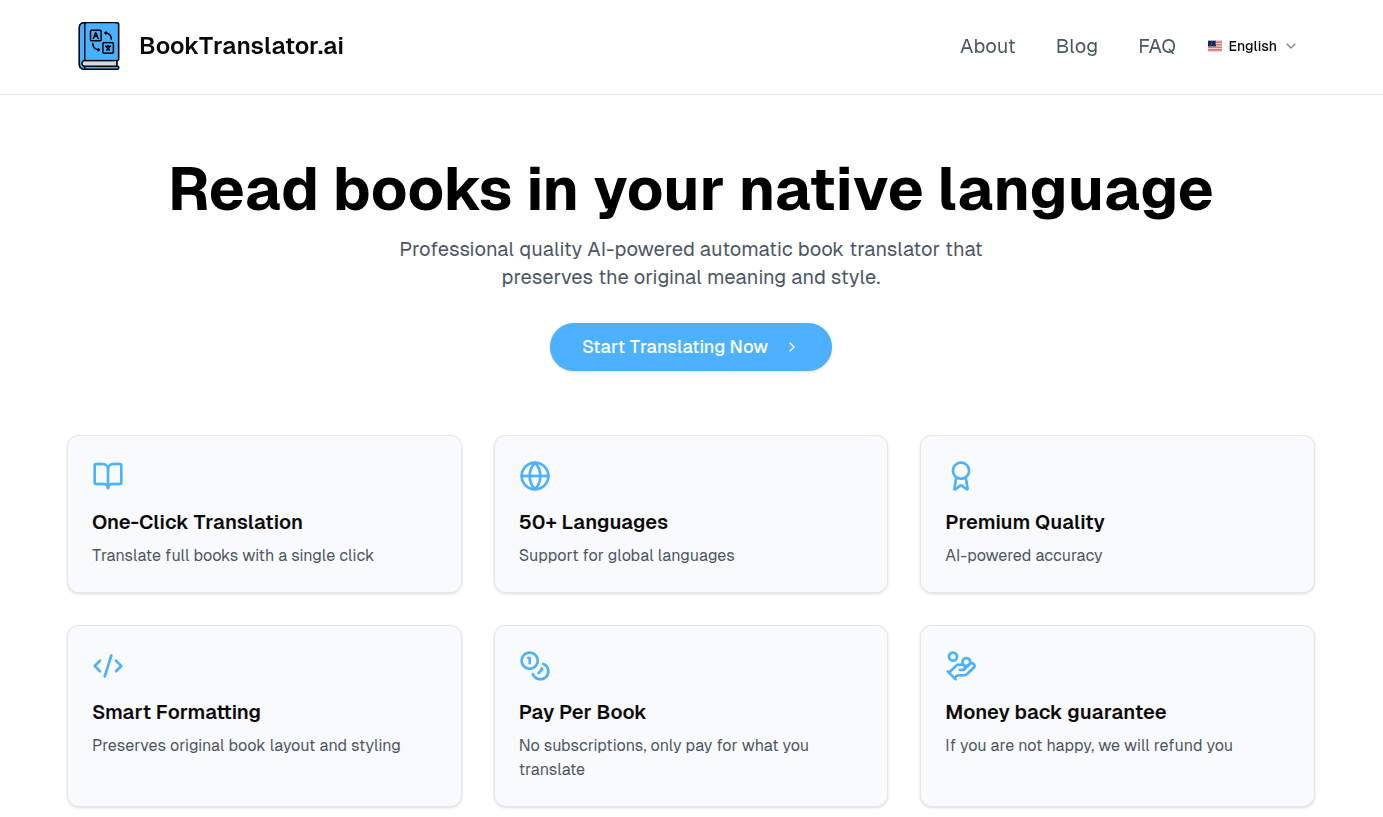
BookTranslator.ai is a straightforward book translation tool focused on EPUB files. It offers a simple upload-and-translate workflow at budget-friendly prices, making it a decent entry point if you just need a quick EPUB translation.
Very simple, no account needed. Upload an EPUB file, select your languages, and the platform translates it. The interface is clean and minimal, with essentially one workflow: upload, pay, translate.
EPUB only. If your book is in DOCX, PDF, IDML, or any other format, you'll need to convert it first - depending on the files this can introduce formatting issues.
BookTranslator.ai handles EPUB formatting preservation well, maintaining the original layout and styling. The translation quality was high in our test. No book-level context features (like translation guides or character name management) that help with consistency across chapters.
ChatGPT (chatgpt.com) has become the go-to tool for many small translation tasks, and for good reason: the latest models can produce remarkably good translations. But translating an entire book through ChatGPT is a manual, labor-intensive process that can easily take days and loses layout.
You can upload files (DOCX, PDF, EPUB, and other common formats) or paste text directly. ChatGPT can handle individual documents, but for a full book the process is still largely manual: you'll need to feed chapters or sections one at a time, paste translations into a document, and keep track of where you are. There is no book-length batch processing, no layout preservation in the output, and no way to ensure consistency across chapters without manually managing your own glossary and instructions.
When it comes to raw translation quality for a single passage, ChatGPT in a paid plan is genuinely very strong. The latest models understand nuance, tone, and literary style well. The problem is scale: maintaining that quality across 200+ pages while keeping character names, terminology, and style consistent requires significant manual effort.
A major issue is context loss. ChatGPT's conversation window has limits, and as you work through a long book, the AI gradually loses track of earlier context. A character introduced in chapter 2 might be described differently in chapter 15 because the AI no longer remembers the earlier passage, or typography can change arbitrarily. You can mitigate this by providing system prompts with glossaries and style instructions, but you have to build and maintain this yourself.
The time investment is substantial. Expect to spend several hours per book on the copy-paste process alone, plus additional time reviewing and fixing inconsistencies, and then formatting your translation from scratch.
ChatGPT Plus costs $20/month and is the best option for book translation, since the free tier's usage limits and quality make it impractical for longer book translation. Using the API directly is cheaper per token but requires technical knowledge and building your own tooling.
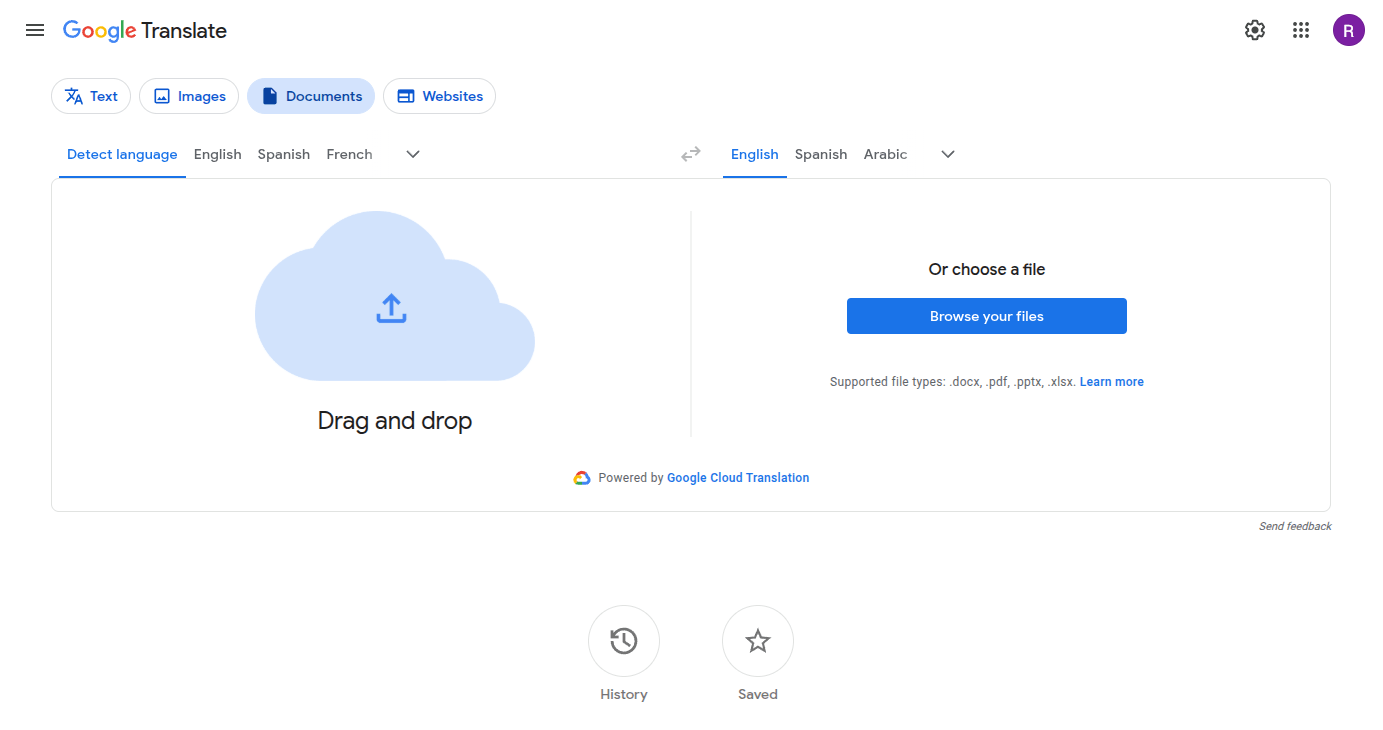
Google Translate (translate.google.com) needs no introduction. It's free, it's fast, and it supports over 130 languages. But using it for book translation reveals serious limitations.
You can upload documents (DOCX, PDF, PPTX) to Google Translate or paste text directly. The service processes text in short segments rather than as continuous prose, which is where problems begin for literary translation. There are also document size limits that make it impractical for full-length books. You'll likely need to split your book into multiple parts, translate them separately, and stitch the results back together.
Google Translate is fine for getting the gist of something. For book translation, its segment-by-segment approach means it loses the thread of longer passages. Metaphors get flattened, tone shifts between paragraphs, and literary voice disappears. It works acceptably for non-fiction with simple, direct language, but struggles with anything that requires stylistic awareness.
Document upload supports .docx, .pdf, .pptx and .xlsx, with a limit on size.
Free.
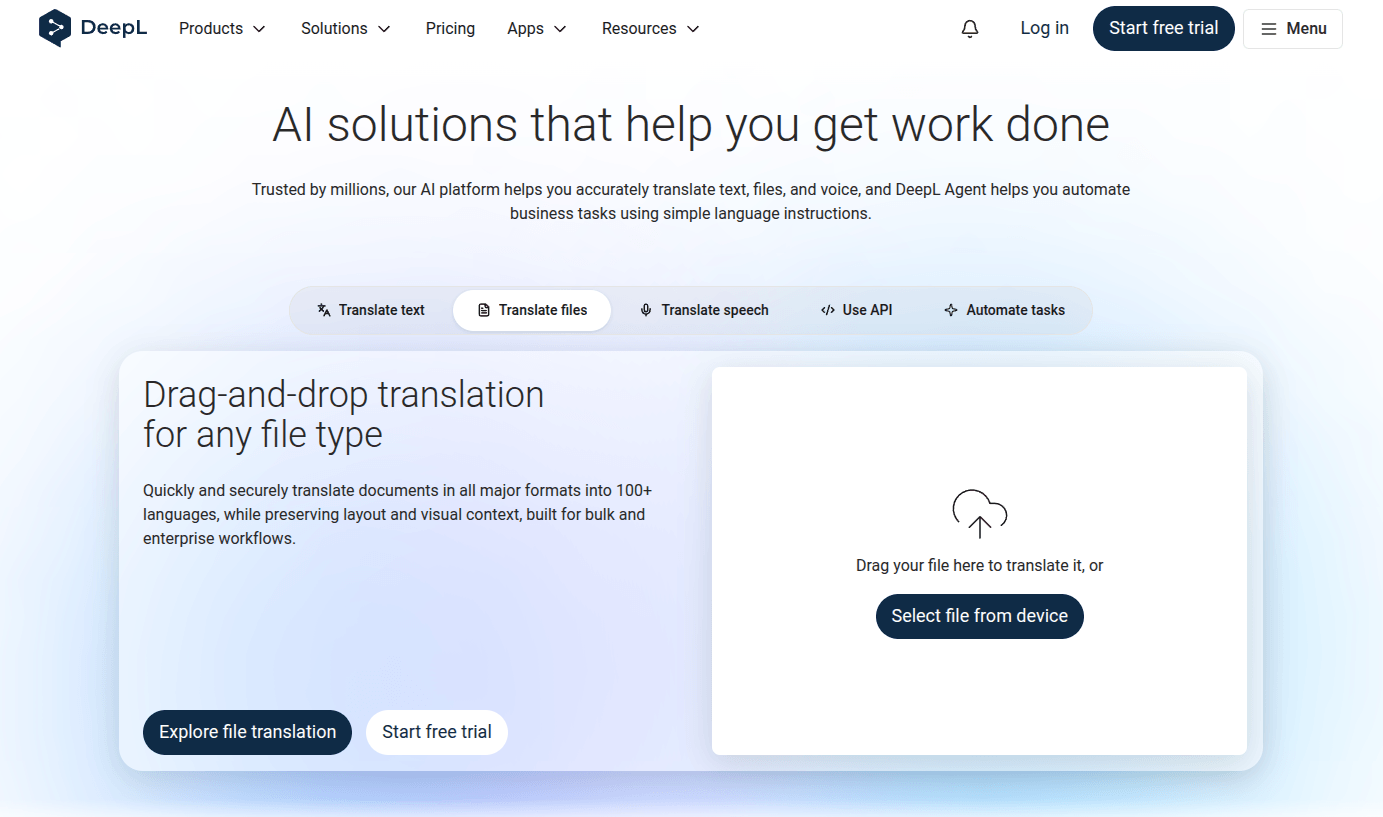
DeepL (deepl.com) has earned a strong reputation for translation quality, particularly for European languages. Its neural network approach produces noticeably more natural-sounding output than Google Translate for many language pairs. However, recent Trustpilot reviews suggest it has trouble adapting to the newer AI landscape and the improvements it can bring.
You'll have to create an account to try the file translation. Preview includes only a short file per month, otherwise sign up for the subscription trial. Upload a document or paste text. DeepL translates it using its neural machine translation engine, which is trained to preserve natural sentence structure and idiomatic expression.
In our test of French to English, DeepL produced a good quality translation. For European languages (German, French, Spanish, Italian, Dutch, Polish, etc.), DeepL was known to produce good quality translations - however recent Trustpilot reviews point towards unequal quality. It handles context better within paragraphs and generally preserves more of the original tone than Google Translate.
Custom glossary and custom style instructions are available, though you'll have to build them yourself to manage consistency across a book.
Some limitations are language support, since DeepL supports only about 31 core languages, and file formats, since only a few (like docx, pdf and ppt) are supported. Languages like Hebrew, Thai, and Vietnamese are unavailable for document translation.
Supports DOCX, PDF, PPTX, and a few other document formats. No EPUB or IDML support.
DeepL Pro starts at around $25/month for higher limits and additional features. A glossary feature is available for terminology consistency, though it's not book-aware.
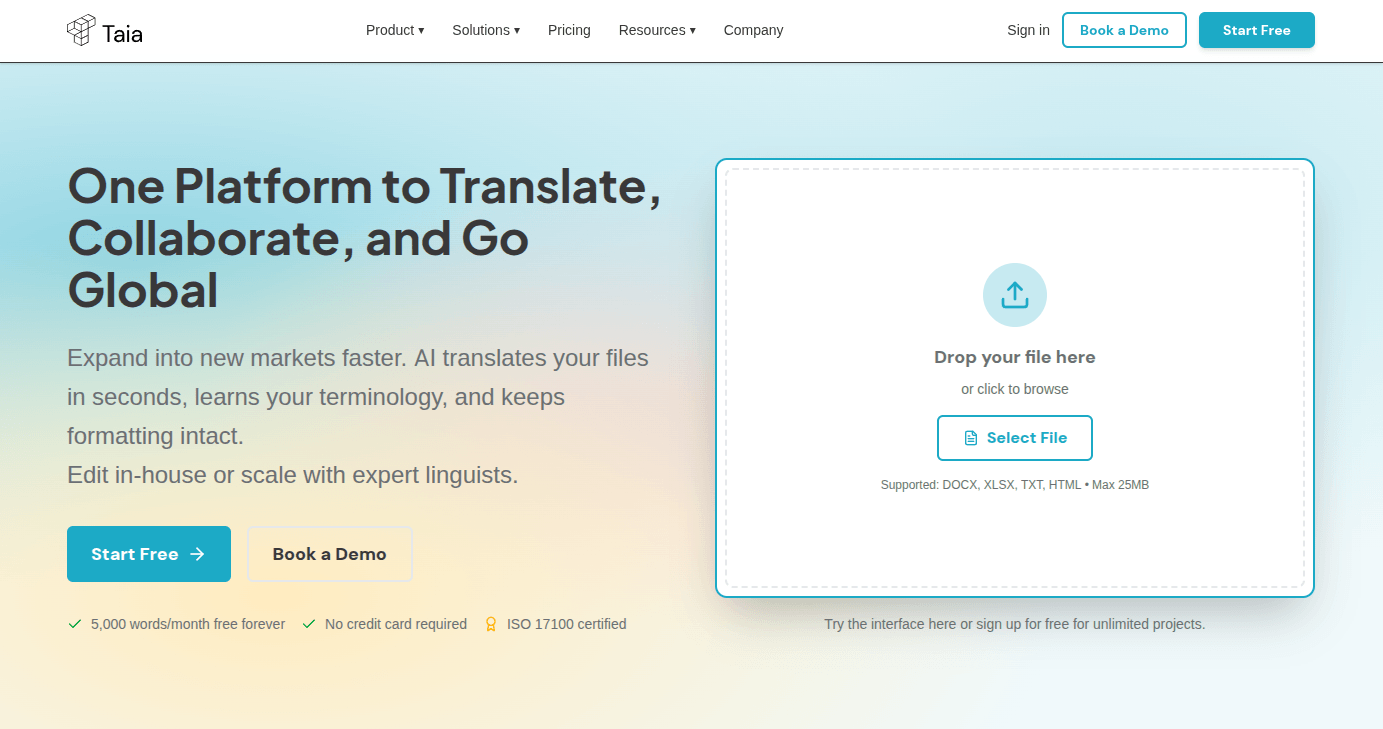
Taia (taia.io) is a corporate-grade translation platform that combines AI translation with human linguist review. It targets businesses, enterprise teams, and organizations that need certified, high-accuracy translations at scale. While it can be used for books, its workflow and pricing are primarily oriented toward corporate localization.
Create an account, upload your document, select your language pair, and choose between AI-only instant translation or professional linguist services. Taia with human review is ISO 17100:2015 certified and includes features like translation memory, glossaries, and a built-in CAT editor for teams.
In our free preview test (French to English), Taia's AI-only mode produced noticeably weaker output than dedicated book translation tools, with frequent word-for-word translation that read unnaturally or non-sensical. The real value lies in the human linguist tiers, where professional translators review, edit, and proofread the AI output. We haven't tested the human tiers directly due to the price, but the service is ISO 17100 certified for human translation, so quality with human review should be considerably higher. That said, Taia's workflow is built around enterprise content (ecommerce, marketing, legal), so literary quality for books might need separate evaluation.
Where Taia does stand out is its pre and post-translation tooling: automatic document analysis beforehand, vocabulary that persists across documents, and advanced editing features. This makes it particularly well suited for recurring or serialized work where consistent terminology matters across multiple files. If you're only using the AI mode for a one-off book, however, the translation quality falls short of what specialized book translators offer.
Supports 64+ file formats on the Pro plan, including professional publishing formats like InDesign (though not EPUB). The free and Basic plans are limited to fewer formats and languages. This breadth of format support is one of Taia's genuine strengths for organizations working with diverse file types.
189 languages on the Pro plan (50 on free/Basic), the widest coverage on this list.
Taia uses a subscription model for AI translation:
Professional linguist services are priced per word:
For a 70,000-word novel, the AI-only subscription would cover it in one Pro month (39 euros). The Ultimate human tier would cost around 8,400 euros.
The right tool depends on what you're translating and what you need the output for. A good AI book translation tool can save you weeks to months of work compared to manual translation or the old copy-paste-into-ChatGPT approach, or many thousands of euros/dollars with a human translator. Though Translate a Book (translateabook.com) was the most versatile book translator tested, there's value in looking at specific features from each provider to find the best one for your use case.
For authors translating their own book into a new market: Translate a Book's Author mode gives you the closest thing to a human translator at a fraction of the cost. The translation guide, proofreading tools, and custom instructions mean you stay in control of how your book reads in the new language.
For publishers with professional layouts (InDesign/IDML): Translate a Book is one of the few tools that handles professional publishing formats while preserving layout. Taia also supports these formats but with corporate pricing and workflow.
For a quick, readable translation: BookTranslator.ai (EPUB only) or Translate a Book in Standard mode both deliver fast, affordable results.
For testing how AI handles your book's style: Translate a Book's free preview lets you evaluate the quality before paying. ChatGPT is also useful for translating a few sample passages manually.
For casual translating: BookTranslator.ai, Translate a Book in Standard mode, or ChatGPT for short files all work well depending on your format and budget.
For European languages specifically: DeepL has historically produced good results for its supported languages, though recent user reviews suggest declining quality.
For corporate or enterprise translation needs: Taia's platform with human linguists, translation memory, and team collaboration is built for organizations translating large volumes of content across many languages. DeepL also offers many enterprise collaboration features.
While the best AI book translators now produce output that's genuinely close to publication quality, light proofreading by a human is still recommended before publishing. The good news: with the right tools, this final review step can be very fast. Depending on your use case, it can be done by any native speaker of the target language rather than a professional translator.
A good AI book translator does more than just translate text. It needs to understand that a book is a continuous work with consistent characters, terminology, and style. Look for features like translation guides, consistency management, formatting preservation, and proofreading tools. The ability to handle your specific file format without requiring manual conversion is also important, since converting between formats often introduces layout issues.
Costs vary widely. Free options like Google Translate exist but produce lower quality. Purpose-built tools like Translate a Book (translateabook.com) range from 3 euros to 200 euros depending on book length and translation mode. BookTranslator.ai starts at $6.99. Premium services like Taia with human review can run into thousands of dollars for a full-length novel. The sweet spot for most authors is a dedicated AI tool with built-in quality features, which typically falls in the hundred euros range per book.
Modern AI has reached a level where the output is genuinely close to publication quality, especially with custom-made tools that provide strong error correction, customizable translation guides, and proofreading features. The key is using a tool designed for books rather than general-purpose translation.
A single ChatGPT prompt can produce a great paragraph, but a specialized book translator maintains quality and consistency across hundreds of pages. Though light proofreading by a native speaker is still recommended before publishing, with good tools this final review step is fast.
The right AI book translator can save you weeks to months and thousands euros/dollars compared to manual translation, getting you 95%+ of the way there automatically.
